> For the complete documentation index, see [llms.txt](https://docs.bugbase.ai/llms.txt). Markdown versions of documentation pages are available by appending `.md` to page URLs; this page is available as [Markdown](https://docs.bugbase.ai/bounty-hunter-guide/bounty-hunter-reports-section/collaboration.md).
# Collaboration
Splitting bounties and working as a team!
This feature allows hackers to add other hackers as a collaborator on the bug report. This may be due to the reason that they both(or even more than two) collectively found the bug.
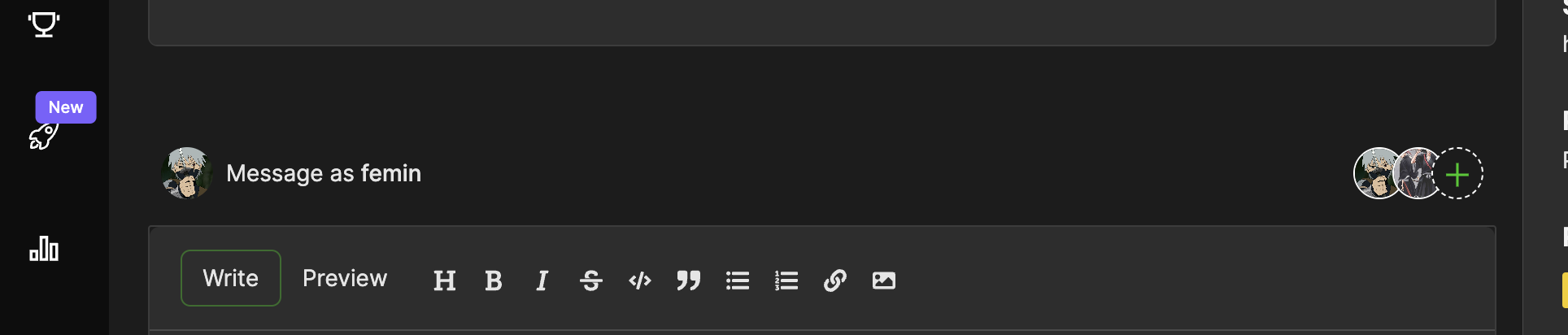
The hackers can easily add another hacker to a bug report after submitting it by navigating to the report and using the "Add invitee" button at the bottom of the chat window.
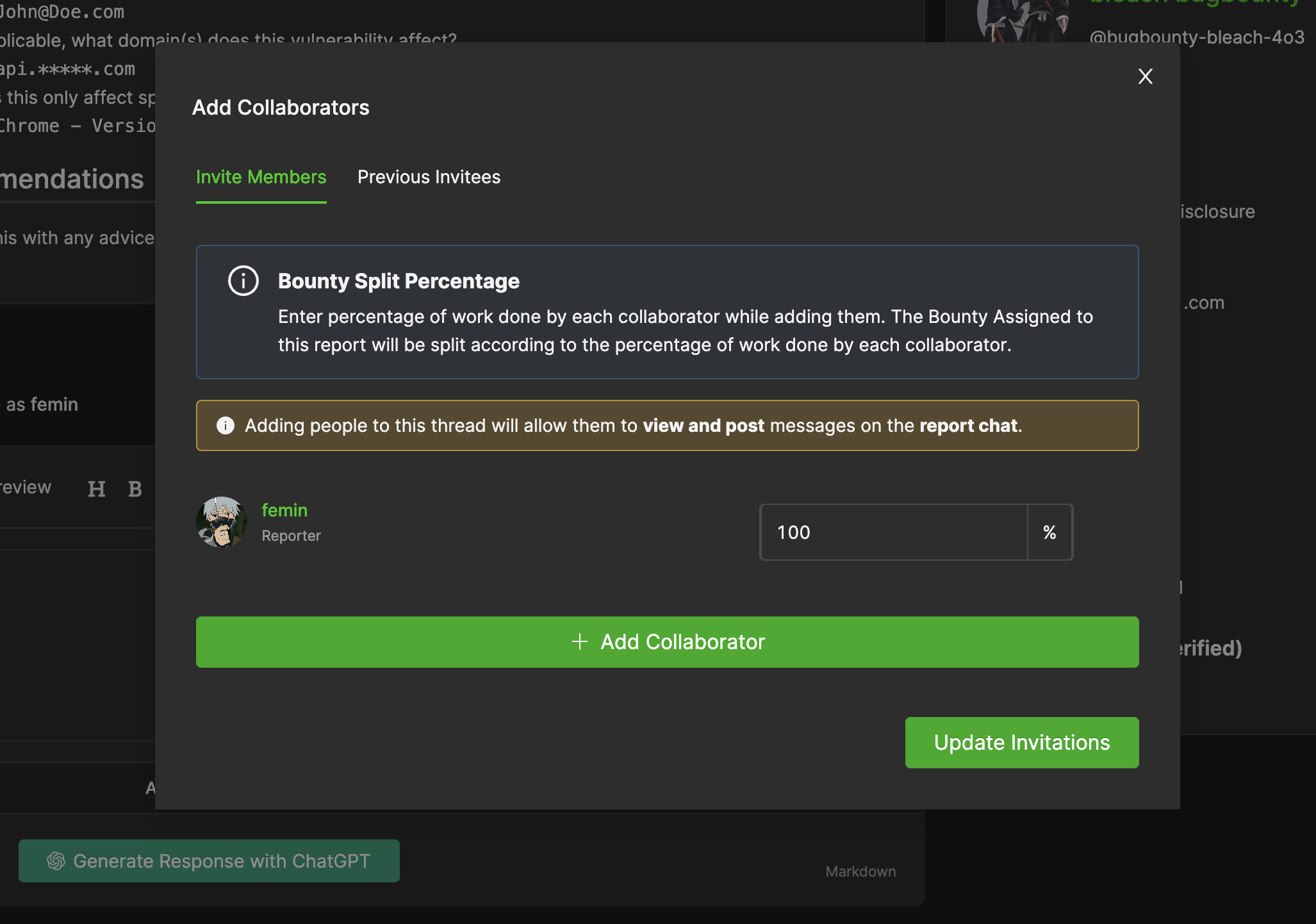
To add a hacker as a collaborator, their BugBase username along with the bounty split percentage should be provided in the dialog box
The split percentage is mutually decided by the hackers and can be changed anytime before the bounty has been assigned.
{% hint style="warning" %}
The invited hacker has to accept the invite to the report from their notifications dashboard before getting access to the report and chat window.
{% endhint %}